CosmicFlow
A music player built around personalization.
CosmicFlow started from a very simple frustration: every music player expected me to adapt to it.
I wanted the opposite.
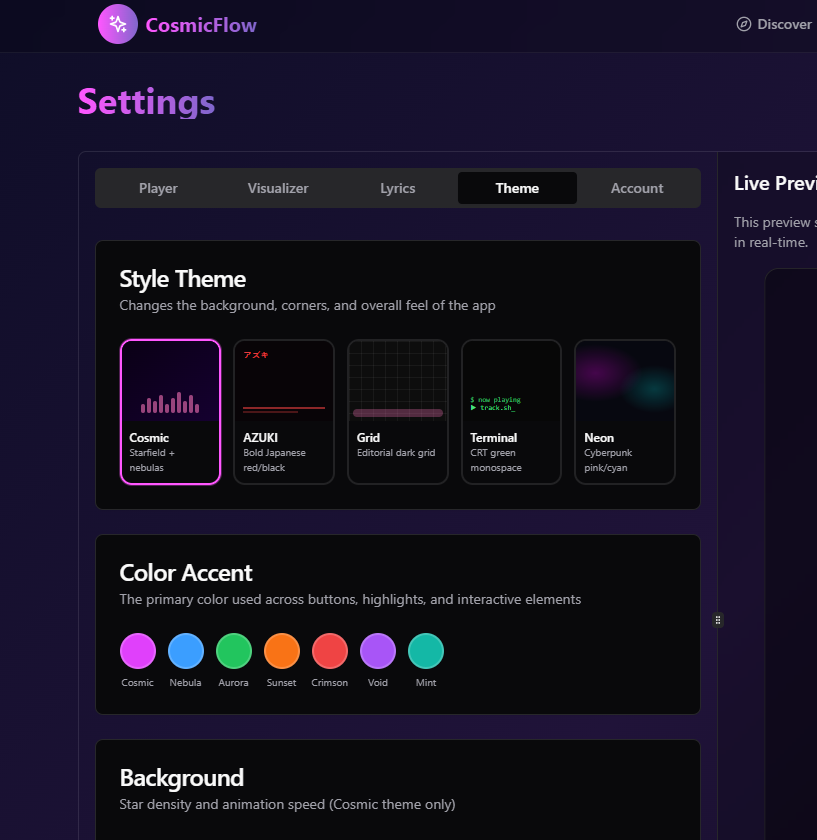
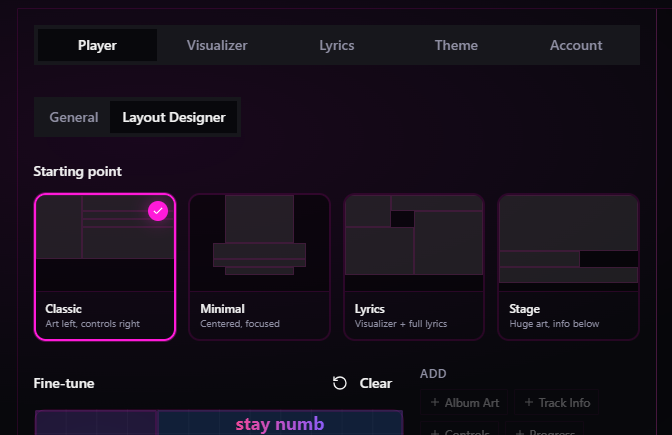
Instead of deciding how people should experience their music, CosmicFlow lets every user shape the player around the way they naturally listen. Themes, layouts, playback views, colours and interface density can all be adjusted until the application feels like your own rather than somebody else's.
I originally built it for myself.
Over time, it naturally became my everyday music player—and the place where I experiment with interface ideas before they find their way into other projects.
The build
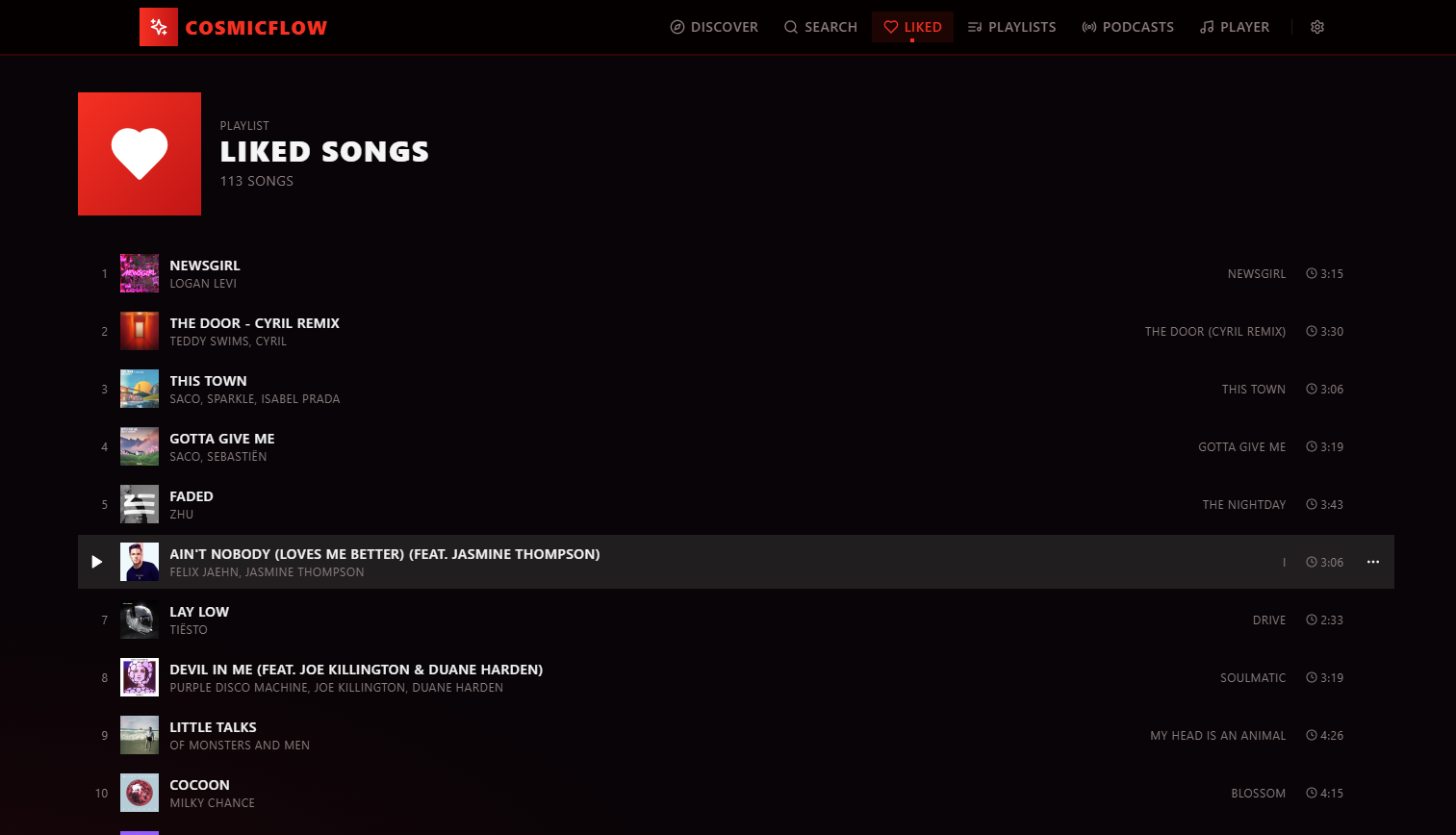
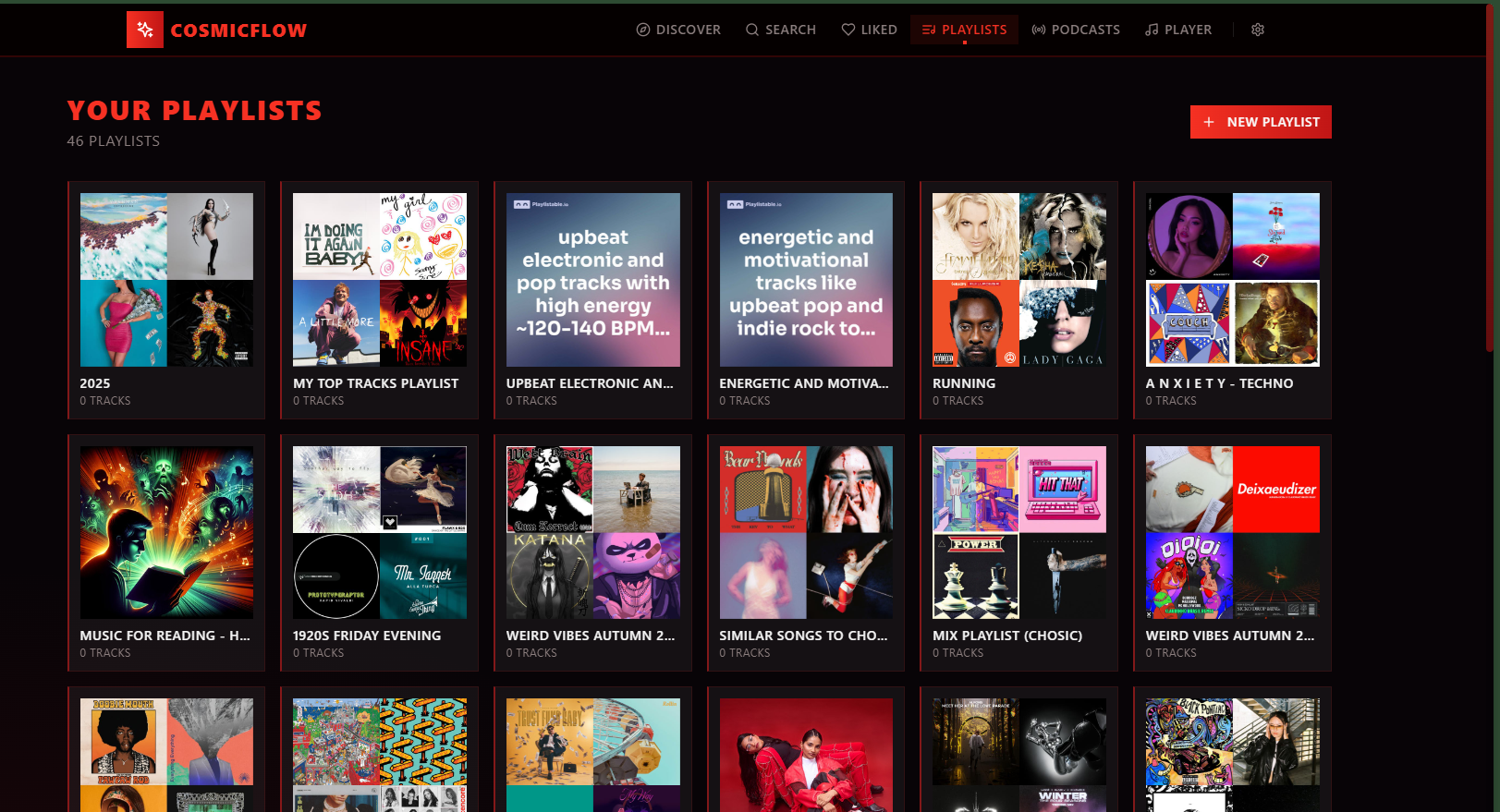
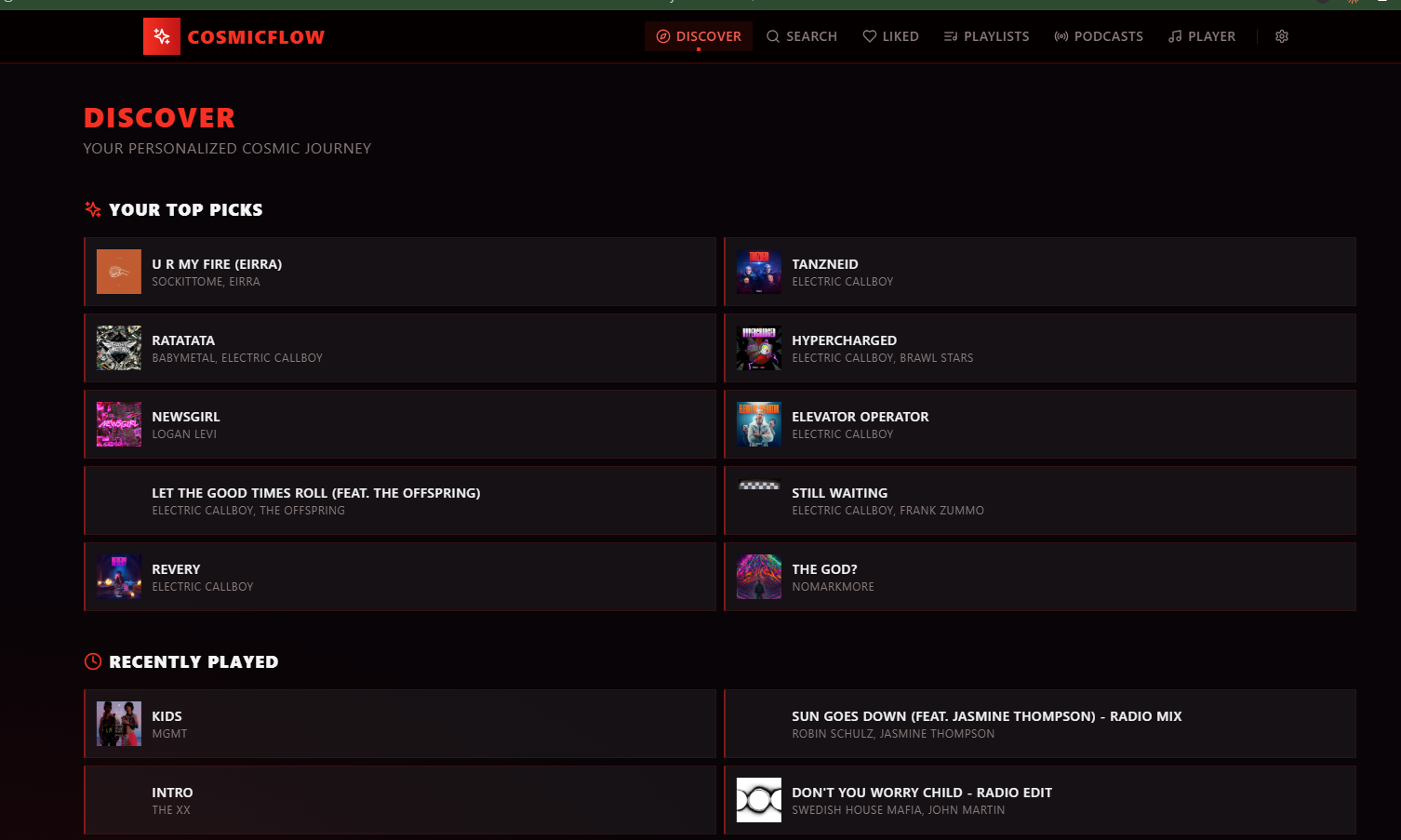
CosmicFlow combines a local music library, playlists, liked songs, podcasts and a highly customizable player into a single web application.
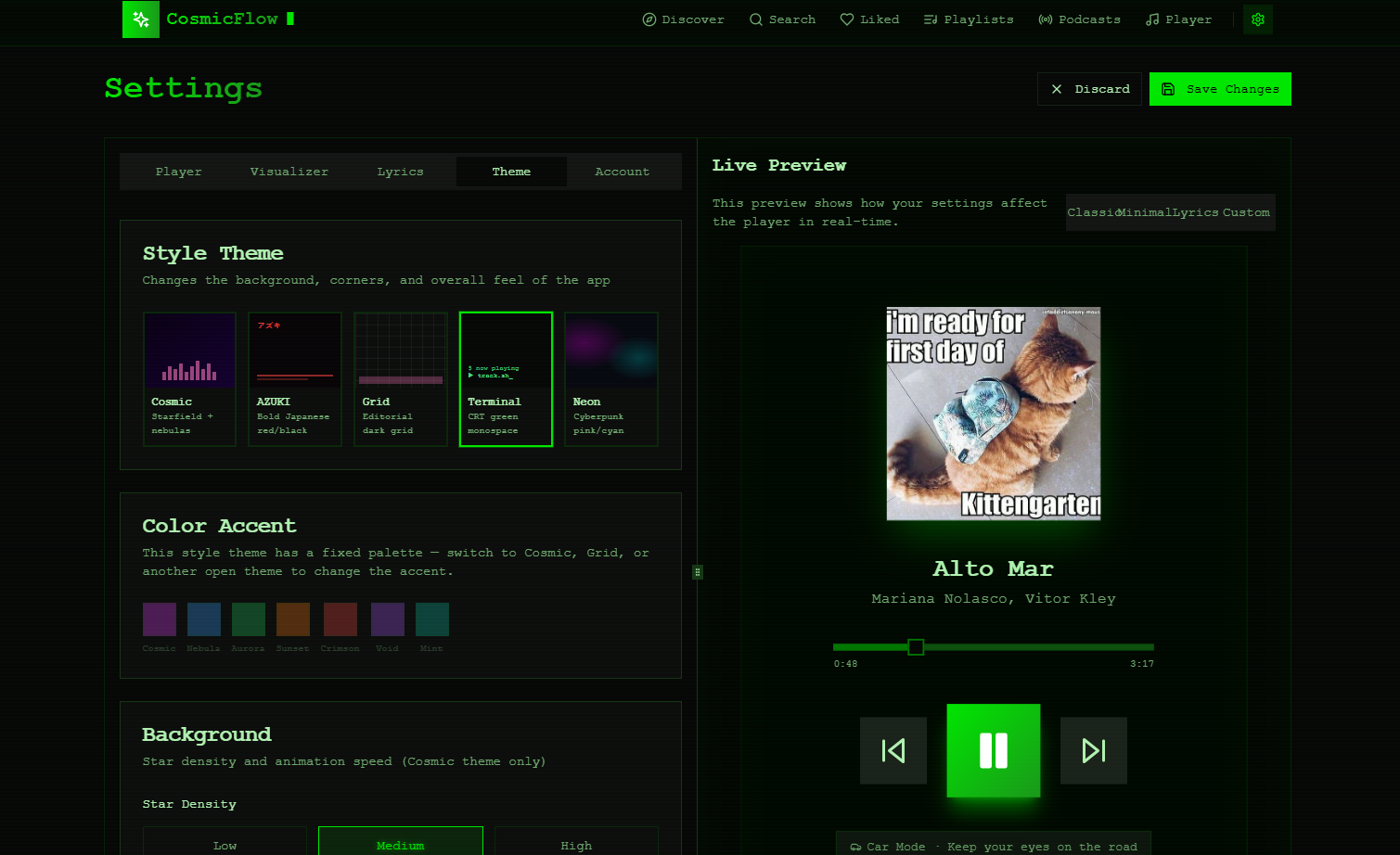
Almost every part of the interface can be personalised. Multiple complete themes, interchangeable accent colours, configurable layouts, live previews and several player modes allow the experience to adapt to different preferences rather than forcing a single workflow.
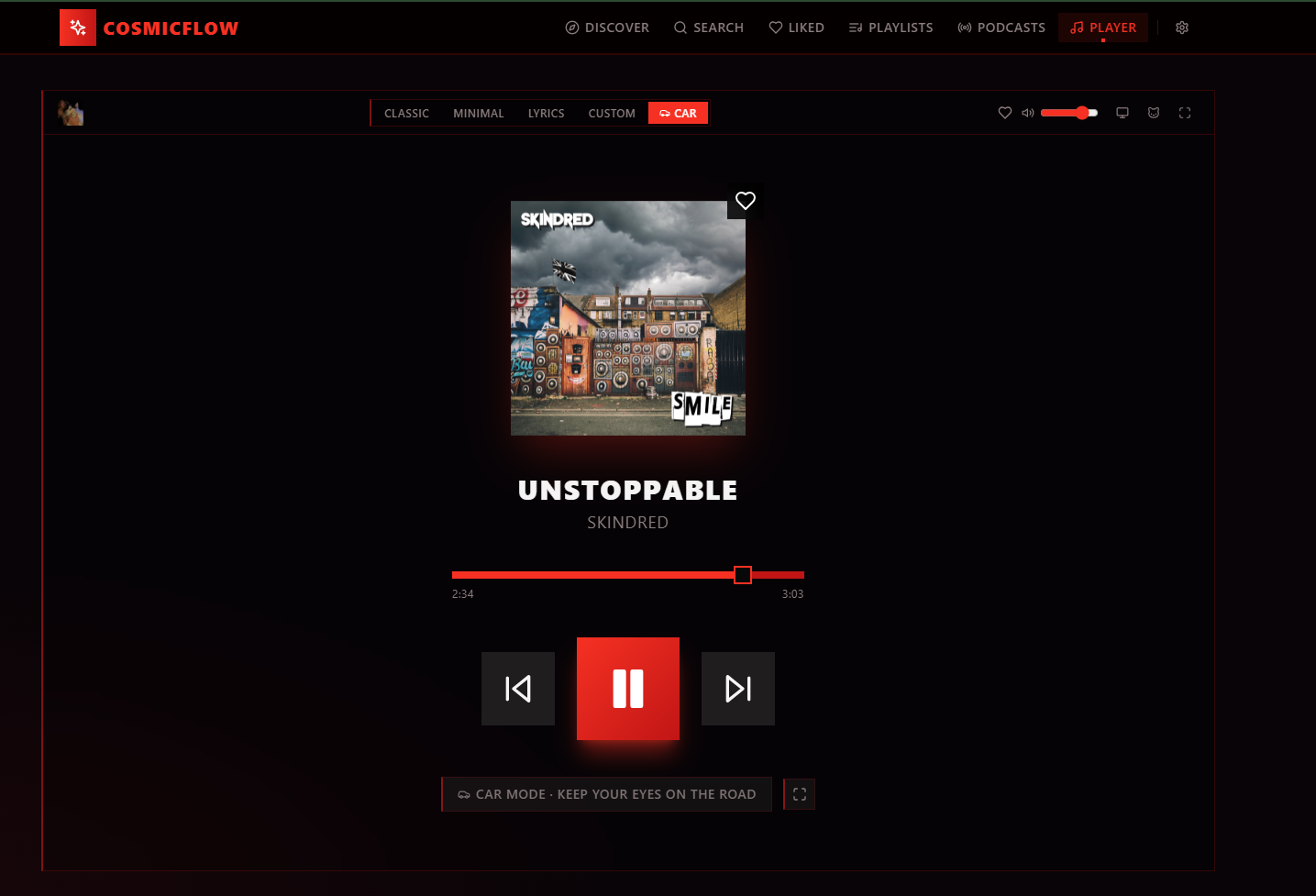
Car Mode started as an experiment and quietly became the way I use CosmicFlow most often. It strips the interface back to the essentials, enlarges the controls and removes visual distractions so changing tracks can be done quickly and safely while driving.
Ironically, one of the simplest interfaces ended up becoming my favourite.
Others exist purely because software doesn't always have to be serious.
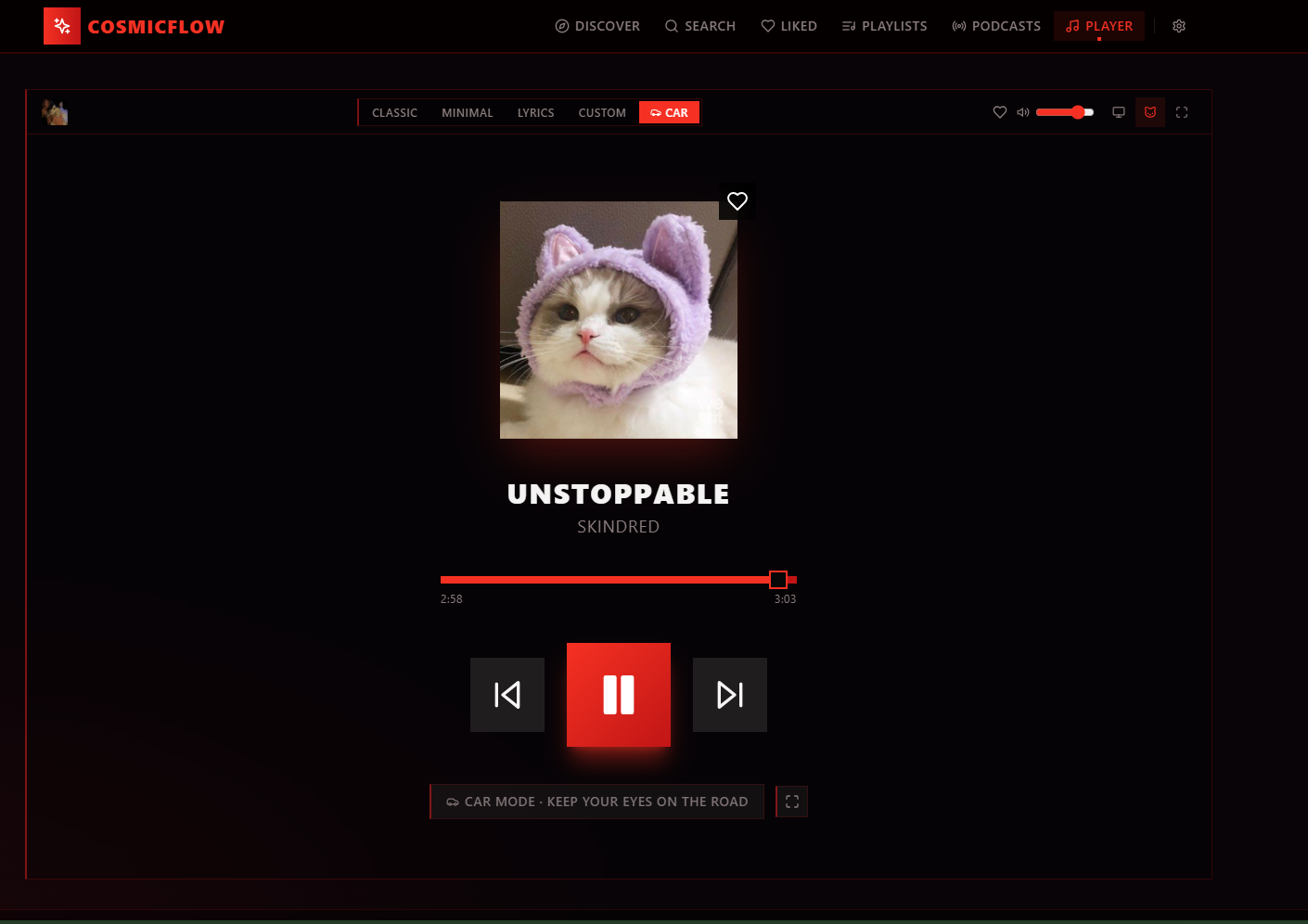
Cat Mode replaces the album artwork with a random cat fetched from an API every time a new track starts. The music doesn't change, the player behaves exactly the same, but somehow the experience becomes noticeably better.
Completely unnecessary.
Absolutely staying.
Throughout the project I constantly redesign screens, remove friction and rethink interactions. Rather than seeing the UI as something fixed, I treat it as an evolving product that grows alongside the way I actually use it.
Highlights
- A music player built around customization
- Multiple complete visual themes with distinct identities
- Live theme editor with instant preview
- Configurable player layouts and playback experiences
- Playlist management, liked songs and podcast support
- Car Mode for distraction-free playback
- Cat Mode (completely unnecessary, completely worth it)
- Designed first for myself, then generalized into a configurable experience
What surprised me
I expected the difficult part to be building the player itself. It wasn't.
The real challenge was designing a system where almost everything could be customized without making the application feel overwhelming. Every new option needed to fit naturally alongside the others, and every theme had to feel intentionally designed rather than simply recoloured.
The project taught me that giving users more freedom usually requires more structure behind the scenes—not less.
Availability
CosmicFlow already runs as a web application, but it isn't publicly accessible yet.
Because the Spotify integration still operates in Spotify's Development Mode, every user has to be manually added to the application's allowlist before they can sign in. Until the application moves beyond development mode, I provide access individually rather than publishing a public link.
If you'd like to try it, feel free to get in touch—I'm always happy to enable access.
Gallery